169.000
Played notes in training
Fingering by neural network
For every note, the network decides which finger plays it, taking into account which fingers have just played before.
Software · Release end of 2026
Magic Hands works out which finger plays which key and when, then renders a photorealistic video of two hands at the piano. Entirely on your PC.
In three steps
Drag your piece’s MIDI file into the app. You assign each track to the left or right hand, and the app makes a suggestion itself.
A neural network picks the finger for every note. The engine then works out how both hands move: shifting position, passing the thumb under, crossing over.
The app renders the video on your graphics card and lays your audio track underneath, frame-accurate. The result is a finished MP4 in HD or 4K.
A look inside · Version 0.1
This is what the app looks like today. A lot will still change before release, but it will stay this easy to use.

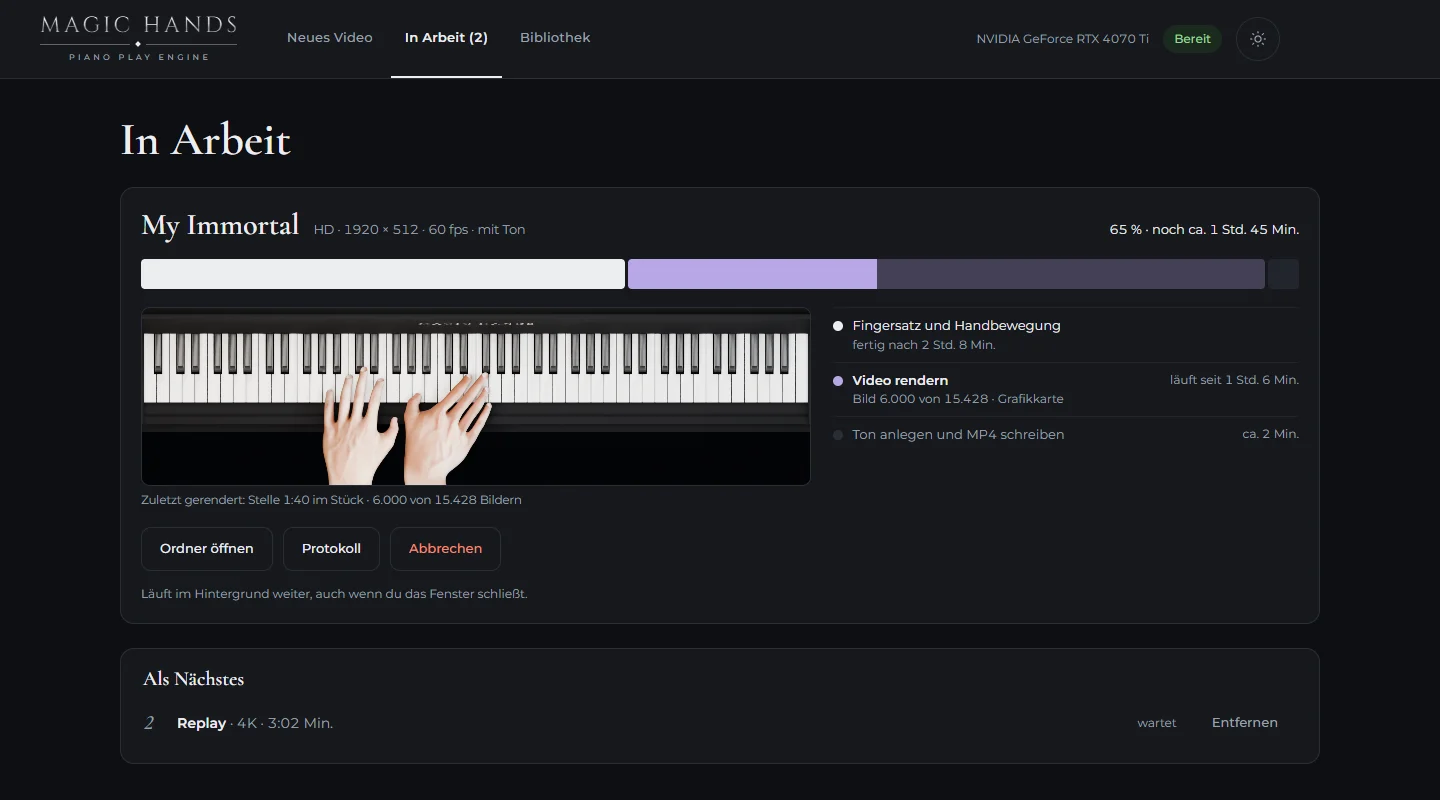
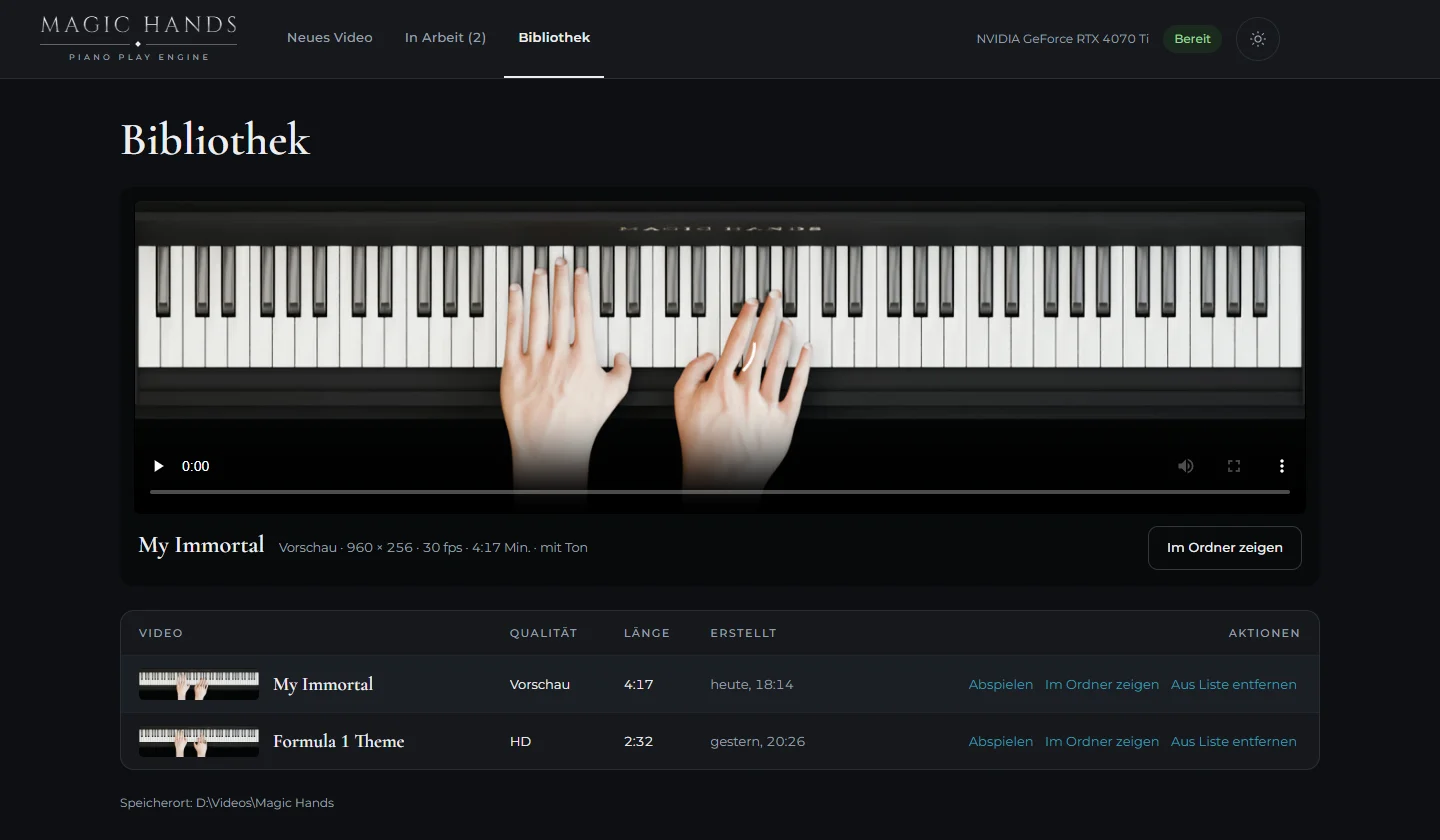
Drop in a MIDI file, assign the hands, choose audio and quality. The app estimates up front how long computing and rendering will take.
Live progress with the most recently rendered frame. Computation keeps running in the background, even when the window is closed.
All finished videos in one place, playable right inside the app and one click away in the folder.
Under the hood
169.000
Played notes in training
For every note, the network decides which finger plays it, taking into account which fingers have just played before.
180+
Analysed piano videos
How fast a hand shifts position and how high it hovers above the keys comes from our own recordings with four cameras plus more than 180 further, freely available piano videos.
60
Frames per second
The engine checks that every finger hits its key. The keys go down exactly when the note sounds.
0
Uploads to the cloud
Everything is computed locally on your machine. No queue on someone else’s servers, and your finished videos belong to you.
Release
Magic Hands will be released as a Windows app with a monthly subscription. The first videos made with the engine are already live on our piano channel PrimePiano.
Expected, as of today
Questions
A MIDI file is enough. Ideally, each hand sits on its own track. Any notation program or DAW can set that up in a few minutes.
For a piece of just over four minutes, the engine currently computes for about two hours, and rendering in HD takes just under three more. The app works in the background, so you can keep using your PC.
Calmer pieces like “My Immortal” already work well. We are still working on very dense, virtuosic passages. The engine gets better with every piece until release.
We are planning an affordable monthly subscription. We will announce the exact price at release.